Operations
Dental lab case tracking for multi-location groups
By Better Software · Mon Sep 21 2026 · 11 min read
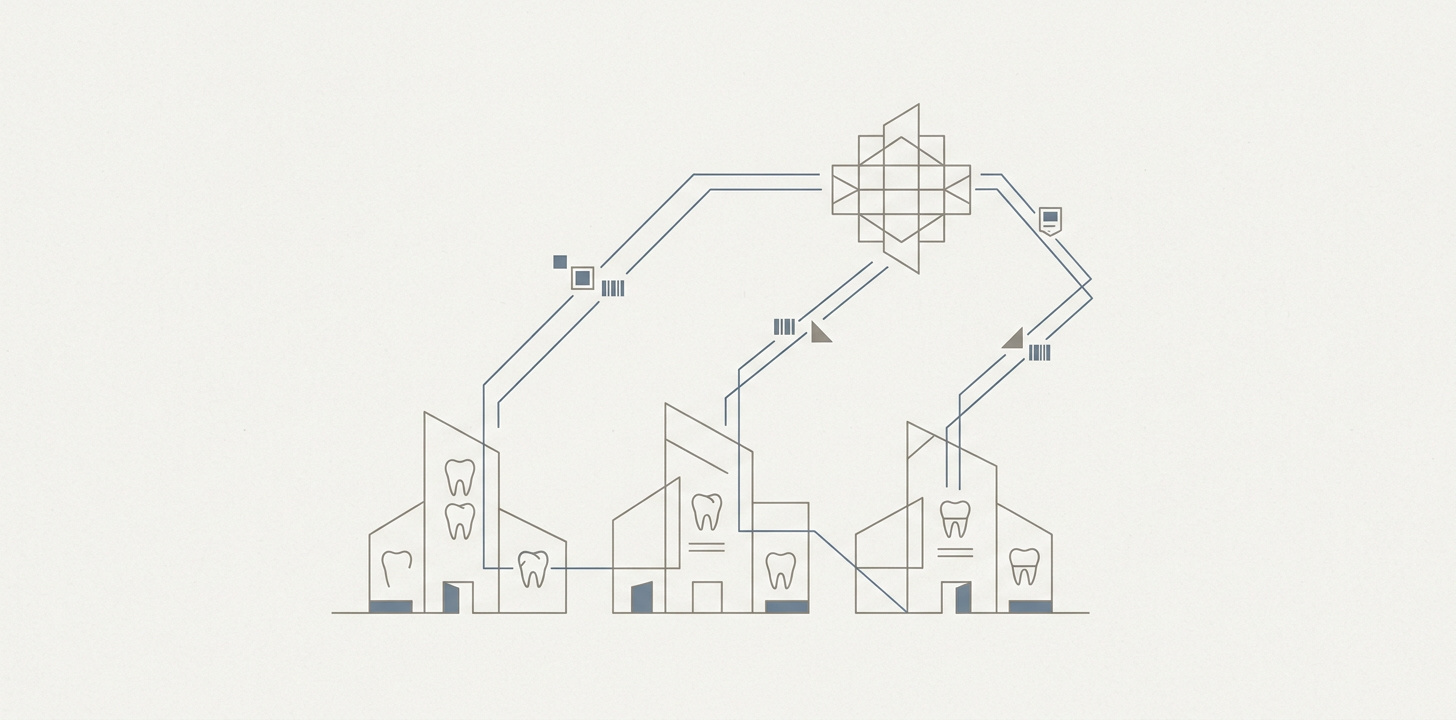
If you run more than one dental office, a lab case that is “tracked” in one location is often invisible at the group level. One office may use a clipboard, another a spreadsheet, and a third the lab module in its practice management system. That works until you need to answer simple management questions: Was the case back before the seat appointment? Which office has the highest remake rate? How much chair time was lost because a case was not received on time?
The short answer is this: at one office, a clipboard can keep people honest. Across a group, it cannot join case status to the schedule and the invoice, which is where the real cost sits. If you cannot connect those pieces, you cannot produce four numbers that matter: on-time-to-seat rate, remake rate by office and by doctor, lab spend per completed case, and production rescheduled because a case was not in the building.
Most groups can see total lab spend in the P&L. They cannot decompose it by office, doctor, lab, case type, or remake versus original. That is why the problem is not just “better tracking.” It is a data problem that shows up as lost chair time and duplicate lab cost.
How a lab case actually moves through a dental group
Lab case tracking usually breaks down at the handoff points. The case starts in the treatment room, but the money is lost later, when the schedule and the case record drift apart.
The common workflow
- Prep appointment and Rx creation. The dentist or assistant creates the lab prescription, shade notes, and due date.
- Case leaves the office. The office logs the outbound handoff, sometimes with a courier or pickup service, sometimes just as “sent.”
- Lab receipt. The lab receives the case or digital file and starts fabrication.
- Return delivery. The finished case comes back to the office.
- Front desk receipt and storage. Someone signs it in, tags it, and stores it until the seat appointment.
- Seat appointment. The office confirms the case is present before the patient sits down.
- Exception path. If the case does not fit, needs adjustment, or must be remade, the work starts again.
The weak point is usually not fabrication. It is the gap between “sent,” “received,” “ready,” and “seated.” If the group does not know when the case came back, it cannot tell whether a missed seat was a lab delay, a front-desk miss, or a scheduling problem. That distinction matters because the fix is different in each case.
What the existing tools do well, and where they stop
Most of the common tools were built for one office. They are useful there. They stop being enough when the group has multiple locations, multiple systems, or both.
| Tool | Tracks status | Links to appointment | Works across offices | Works across labs | Handles a second PMS | Can produce remake rate | Can produce cost |
|---|---|---|---|---|---|---|---|
| PMS lab module | Usually yes | Sometimes | No, or not cleanly | No | No | Only if remake is entered consistently | No, not at group level |
| Lab portal | Yes, for that lab | Usually no | No | Only that lab | No | Sometimes | Usually no |
| Shared spreadsheet | Yes, if people update it | Manually | Yes, if maintained | Yes, if maintained | Yes | Only with disciplined data entry | Only if cost is entered manually |
| Clipboard or whiteboard | Locally, informally | No | No | No | No | No | No |
Practice management system modules such as Dentrix lab tracking, Open Dental lab case fields, Eaglesoft, and CareStack are not useless. They are the right answer for a single office or a tightly standardized group. Open Dental, for example, has a lab case record and due-date fields in its manual; CareStack also provides lab case management features. Those tools solve the local workflow problem well enough that many offices never feel the need to look further.
The limit is aggregation. A group that grew by acquisition often ends up with more than one PMS. One office is on Dentrix because it was bought in 2021. Another is on Open Dental because it was bought in 2024. Their lab modules do not roll up into one owner view, and the lab itself may have its own portal with a different case identifier. The result is a set of local truths with no group-level record.
Why multi-location dentistry breaks the simple model
Multi-location dental lab workflow gets messy for a few predictable reasons.
- Multiple PMS instances. Acquisitions leave you with different systems, field names, and workflows.
- Multiple labs and portals. Each lab may have its own status page, due-date rules, and remake process.
- No common case identifier. The office, the lab, and the schedule may each refer to the same case differently.
- Status depends on memory. If the front desk or assistant does not update it, the case goes dark.
- No one owns the number. The office thinks the lab has it, the lab thinks the office received it, and the owner sees only the invoice.
That is why the same group can have a 1.8 percent remake rate in one office and 4.1 percent in another, and nobody can explain the gap. The data is not joined well enough to separate a prep problem from a scan problem, or a lab delay from a missed handoff inside the office.
The numbers worth managing
If you are trying to understand dental lab case tracking at group level, start with metrics that tie directly to chair time and duplicate cost. The point is not to measure everything. The point is to measure the few things that tell you where the friction is.
1. On-time-to-seat rate
This is the share of cases that are back in the office before the scheduled seat appointment. Define it as: cases seated on the planned date and time divided by all cases scheduled to seat in that period.
Why it matters: a case that is not back is not a lab problem in the abstract. It is a chair-time problem. If the patient is scheduled and the restoration is not there, the office has either rescheduled production or burned time on a fallback appointment.
2. Remake rate by office and by doctor
Use a consistent denominator. The cleanest version is remakes divided by original cases seated, not remakes divided by all cases sent. That makes the rate easier to compare across offices.
The caution is important: remake rates are only comparable if the group defines “remake” the same way everywhere. Some offices count any rework. Others count only full remakes. Some include shade corrections, some do not. If the definition is loose, the rate is mostly a local habit, not a performance signal.
3. Lab spend per completed case
This is total lab spend for a period divided by completed cases in that period. It is more useful than total spend alone because it shows whether a location is paying more for the same outcome.
If you want to go one level deeper, separate original cases from remakes. The question is not just what you spent. It is how much of that spend was paid for twice.
4. Production rescheduled because a case was not received
Count the appointments that were moved, shortened, or converted because the restoration was not in the building when needed. This is often the cleanest proxy for chair time lost.
Some groups also track days from case-out to case-in versus the promised date. That helps distinguish a true lab delay from an office receiving problem. Both matter, but they are not the same failure.
What to fix first, before you buy software
Most groups jump to software too early. That is a mistake because software cannot rescue an undefined process. The cheaper sequence is usually this:
- Standardize the Rx and the definition of remake. Every office should describe the same case the same way.
- Standardize routing and promised dates by case type. Crowns, dentures, aligner-related work, and specialty cases should not all follow the same informal rules.
- Assign a single case identifier. The office, lab, and schedule need a common reference.
- Standardize reporting. One group should define the monthly numbers and how they are calculated.
- Then decide whether software is needed.
That sequence sounds basic, but it is where most groups get stuck. If two offices cannot agree on what counts as a remake, a new dashboard will only make the disagreement visible faster.
When a shared tracking layer is worth building
A shared tracking layer makes sense when the economics are driven by chair time and duplicate lab cost, and the existing systems cannot answer the questions that drive those costs. In practice, that often means a group with several offices, more than one PMS, or multiple labs.
Do the arithmetic on your own data. Start with the number of appointments lost or rescheduled because cases were not back on time. Multiply by the chair time involved and the production you expected from that slot. Then add the direct duplicate lab cost from remakes. If the annual total is large enough to justify a new process, reporting layer, or integration effort, you have a case for change. If it is not, standardization may be enough.
There is also a point where building a shared layer is probably not worth it. A single-PMS group with under about eight offices and one main lab can often get by with a disciplined internal process, a standardized lab module, and a simple spreadsheet for exceptions. That is not elegant, but it is often the cheapest adequate solution.
A practical build-versus-buy test
- Do we run more than one PMS, or expect to after acquisitions?
- Can we produce the four monthly numbers without manual reconciliation?
- Do we know which office, doctor, lab, or case type drives the biggest misses?
- Are reception and clinical teams using the same definition of “received,” “ready,” and “remake”?
- Would a monthly spreadsheet review still work if volume doubled?
If the answer to most of those is no, the problem is no longer a clipboard problem. It is a coordination problem.
What building it actually means
Building a shared dental lab case tracking layer does not mean replacing every practice management system. Usually it means reading a case record from each PMS, attaching a group-wide case ID, and joining it to appointment data so the owner can see whether a case is out, back, seated, or overdue.
The useful version also includes an exception queue. Cases that are overdue or received without a future appointment should surface automatically. That is where the value is, because those are the cases most likely to turn into lost production.
For many groups, the most practical architecture is simple: keep the local workflow where it already exists, but add a shared layer for status, exceptions, and reporting. Better Software has worked on multi-location healthcare workflows, including with Apex Dental Partners, and the recurring pattern is that the hard part is not drawing a tracking screen. It is reading consistent data out of several systems that were never meant to be aggregated. If that is your situation, the relevant lens is the workflow problem, not the vendor brand.
You can read more about our healthcare work at Better Software healthcare solutions and see the Apex Dental Partners case study.
How to keep track of lab cases when the offices use different systems
If your group is on Dentrix in some locations, Open Dental in others, and something else in a few more, the goal is not to force one office to work like another overnight. The goal is to make the case visible once, at group level, even if local workflows stay different.
That usually means three things: a common case ID, a consistent status vocabulary, and one place where exceptions are reviewed. Without those, “how to keep track of lab cases” becomes “who remembers to update the spreadsheet today.”
FAQ
Who should own case status?
Local ownership usually belongs to the office team that receives, stores, and seats the case. Group ownership belongs to operations or a central coordinator who watches exceptions and reporting. If nobody owns the data at both levels, the record will drift.
How long should dental lab case records be retained?
Retain them long enough to support billing questions, remake disputes, and trend analysis. The exact retention period depends on your legal and operational requirements, so confirm it with your compliance and legal advisors. For management purposes, the larger issue is consistency: keep the same data in the same format long enough to compare offices across periods.
How do you track lab cases in Open Dental or Dentrix across offices?
Use the PMS lab fields locally if they work, but do not rely on them as your group system of record. Export or sync the key fields you need, then join them to appointment data and invoice data in one shared layer. That is what lets you compare offices and doctors on the same basis.
What is the simplest printable lab case log sheet good for?
A printable lab case log sheet is fine as a local backup or training tool. It is not enough once you need group-level reporting, remake attribution, or cost decomposition. At that point, the sheet becomes a manual data-entry burden rather than a control.
If you want one practical next step, pick one month and try to produce the four numbers for every office: on-time-to-seat rate, remake rate by doctor, lab spend per completed case, and production rescheduled for missing cases. If you cannot do that without hand reconciliation, you already know where the problem sits.