Product
How to Write a PRD When You Already Have a Working Demo
By Better Software · · Updated · 10 min read
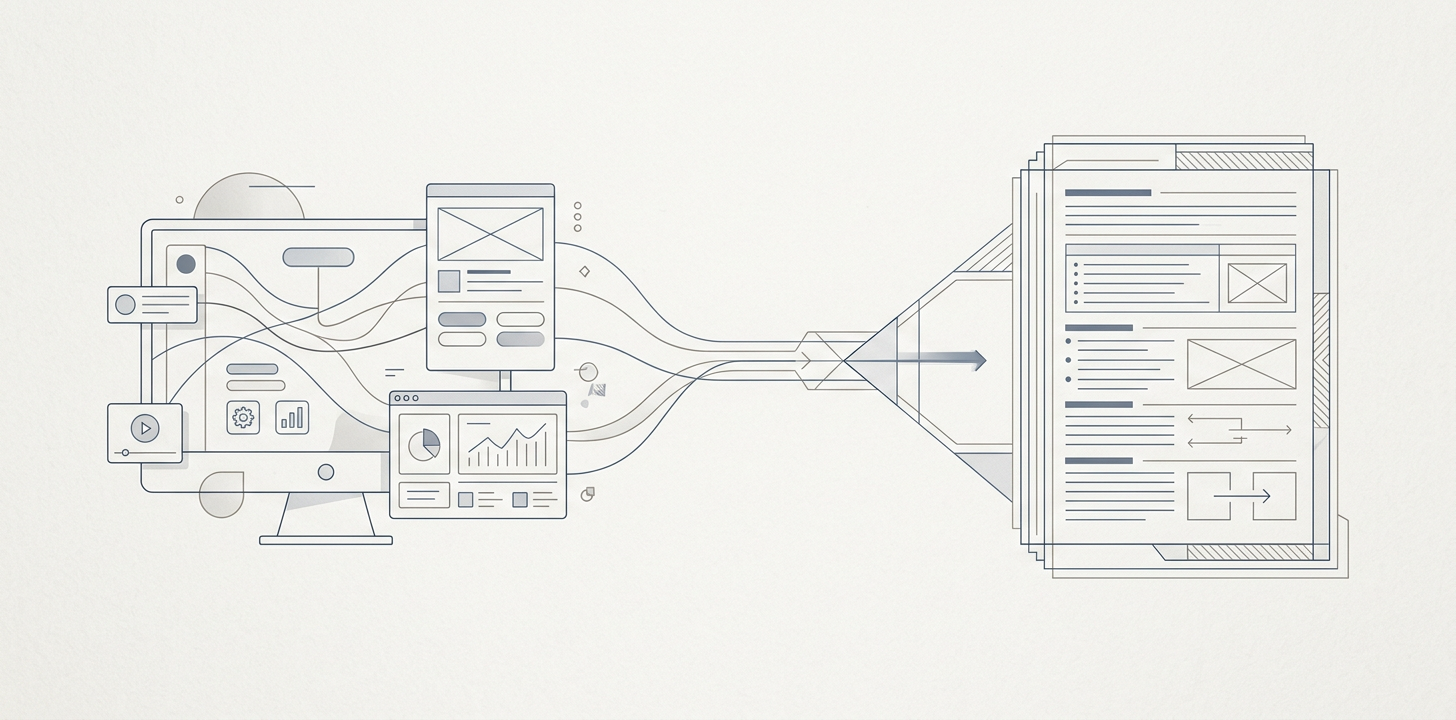
What is a PRD, and why does the one you write now decide whether you get a product or another demo?
A PRD, or product requirements document, is a short decision-forcing document that says what you are building, for whom, why it matters, and how you will know it worked. In 2026, it has a second job: it is the brief an AI coding tool or an engineering team builds from. That makes the PRD the place where the parts that turn software from fragile to durable get decided.
If you already have a working demo, the question is not how to write a feature list. The AI already gave you features. The real question is how to write a PRD that produces a product: something that survives a second user, a refund, a role change, a lost password, partial data, and an audit.
Your prototype already works. So what is the PRD actually for?
Tools like Lovable, Bolt, Replit, Cursor, and Claude Code are good at producing the visible part of software. They can create screens, flows, and happy-path interactions quickly. What they do not decide for you are the business rules beneath the demo.
That means your PRD has to cover the five things the prototype silently assumed:
- the data model
- who can see and do what
- what happens when things are empty, invalid, or broken
- what must be logged and provable
- what happens when the product is used by a second person, team, or edge case
A demo is a promise. A product is a system. The difference is usually not more features; it is fewer surprises.
The Durable PRD: the four sections that decide whether you get a product
Most guides already teach the basics: problem statement, goals, users, user stories, functional requirements, and out-of-scope items. Keep those. But if you want something buildable from a working prototype, add four sections that almost nobody writes well.
1. The data model
Write down the nouns in your business, not the pages in your app. If you cannot describe the things your product stores, relates, and protects, you do not yet have a specification.
2. The permission matrix
Define who can see, create, edit, approve, delete, export, and administer each object. Permissions are a product decision, not an implementation detail.
3. The state map
Every screen should declare what happens when it is empty, loading, partial, failed, offline, or access-restricted. This is where most demos break in real use.
4. The log and proof requirements
Specify what changes need an audit trail, what events need timestamps, and what must be recoverable or explainable later. If money, access, or sensitive records are involved, this is not optional.
Those four sections are also how we start work at Better Software: data model and architecture first, then senior review, then test coverage, CI/CD, and observability from day one. The codebase is the customer’s, so the specification has to protect it.
How do you write the data model section if you cannot read code?
You do not need to write database syntax. You need to write business nouns clearly enough that an engineer can model them correctly.
Use this five-question test for every noun:
- What is it called?
- What uniquely identifies it?
- What does it belong to or connect with?
- What states can it be in?
- What happens when it is deleted, archived, or replaced?
Here is a plain-English example:
- Customer: the person or company buying the service. Has name, email, billing status, and account owner.
- Subscription: belongs to one customer. Has plan, renewal date, status, and payment method.
- Invoice: belongs to one customer and one billing period. Has amount, currency, due date, paid status, and receipt link.
- Note: belongs to a customer record. Has author, timestamp, and visibility level.
This section saves rewrites because it forces the questions that otherwise get answered later by accident. A working demo can hide bad data choices. Real users cannot.
Who can see and do what: the permission matrix
Write permissions as a table: roles down the side, actions across the top. Keep it blunt. If the answer is “maybe,” the answer is no until clarified.
Example structure:
- Roles: owner, admin, member, viewer, support
- Actions: view customer data, edit billing, invite users, delete records, export data, change access, view logs
Three questions catch most access bugs before they exist:
- Can one customer ever see another customer’s data?
- Can a role grant itself more access?
- What happens to access when someone leaves the company or is deactivated?
Founders often assume permissions are a later engineering concern. They are not. If you want a product that can be sold, supported, or audited, access rules belong in the PRD.
Every state a screen can be in
Most demo specs describe the happy path. Real products need the unhappy path.
For every key screen or flow, write out the six standard states:
- empty
- loading
- partial
- error
- offline or unavailable
- permission denied
Example: a payments page is not complete until you say what happens if there are no transactions yet, if a request times out, if a payment fails halfway through, or if the user does not have billing access.
Specifying failure is the cheapest quality work you will ever buy. It is also the difference between “it worked in the demo” and “it worked for the first ten customers.”
What must be logged, and what must be provable?
Analytics tell you what users did in aggregate. Audit logs tell you who changed what, when, and from where. They are not the same thing.
At minimum, most serious products should record events for:
- money changed
- access changed
- sensitive data viewed or exported
- records created, edited, deleted, or restored
This becomes mandatory fast if you are anywhere near finance, health, regulated workflows, or enterprise procurement. Even if you are not, logging is how you debug, support, and trust the system later.
What makes a requirement testable?
Good PRDs are not poetic. They are testable. If someone cannot build a test from your sentence, the sentence is too vague.
Turn “make onboarding easy” into something like this:
- When a new user signs up, they must reach the dashboard in under three steps.
- If required information is missing, the system must show a field-level error and prevent submission.
- After submission, the user receives confirmation by email and sees a success state in the app.
A simple way to write testable requirements is the Given-When-Then pattern, even if you never use the label:
- Given a user with viewer access...
- When they open the billing page...
- Then they can see invoices but cannot edit payment details.
Three questions keep your PRD honest: can two people read this the same way, can someone build a test for it, and would you know tomorrow whether it was met?
What non-functional requirements should a non-technical founder include?
Do not leave out the basics just because they are not glamorous. Write down the system expectations that matter to your business:
- how fast it needs to feel
- how many users or records it must handle
- how much downtime you can tolerate
- what data must be backed up
- how quickly it must be recoverable
One common mistake is assuming non-functional requirements are “engineering detail.” They are not. If your product loses data, cannot recover, or becomes unusable under normal load, it is not a product.
What should you cut from version one, in writing?
A PRD should also say what you are not building. That is not pessimism; it is discipline.
Use a simple not-building-in-v1 list:
- not supporting multi-currency
- not allowing self-serve role creation
- not building a mobile app
- not supporting bulk imports in v1
- not adding custom reporting until after pilot feedback
This matters because a clear no protects the yes. It keeps the first version narrow enough to ship and broad enough to learn from.
How do you write a PRD that an AI coding tool will actually follow?
Whether you are using Claude Code, Cursor, or another code-generating workflow, the PRD should be structured for predictable parsing by a human and a machine.
That means:
- use clear headings
- keep requirements atomic
- state constraints as constraints, not preferences
- avoid mixing business goals with solution details
- put source-of-truth artifacts in the same repo or linked workspace
One thing still does not change: AI can produce code quickly, but it still needs a senior human reviewer to protect the data model, the architecture, the test surface, and the release boundaries. The workflow is not “write a prompt and hope.” It is “specify the system, then review what the system becomes.”
How long should a PRD be, and when is it done?
Long enough to remove ambiguity, short enough to be read. For a stage-0 founder with a working demo, that is often one to three pages plus artifacts: a data table, a permissions matrix, a state checklist, and a not-building list.
The completeness test is simple: could someone build a test plan from this PRD without asking you ten follow-up questions? If yes, it is probably done enough for the next build cycle.
Write it where the code lives, version it, and update it when the product changes. A PRD is a living document, but it should still be precise enough to serve as a contract for the current version.
What should be included in a PRD?
If you need the practical version, include: problem, goal, users, success metrics, functional requirements, the four durability sections, non-functional requirements, and out of scope.
What is the format of a PRD?
A useful format is simple and scannable: summary, problem, goals, users, requirements, data model, permissions, state coverage, logging, non-functional requirements, out of scope, and open questions. Keep bullets where possible.
What are common PRD mistakes?
The biggest mistake is writing only features. Others include skipping permissions, ignoring failure states, leaving out logging, making the scope too broad, and writing a document no one can test against.
How do you write user stories in a PRD?
Write them as outcomes, not wishes: “As an admin, I want to deactivate a user so that access is removed immediately.” Then tie the story to the exact requirement and state behavior.
What is the difference between a PRD and an MVP scope?
An MVP scope is a list of what you hope to build first. A PRD is the document that makes that scope buildable, testable, and durable. If the MVP is the menu, the PRD is the recipe and the food safety rules.
A copyable one-page Durable PRD template
1. Problem
What user problem are we solving, and why now?
2. Goal for version one
What must this release do, in one sentence?
3. Users and main journey
Who uses it, and what is the primary flow?
4. Functional requirements
What must the product do?
5. Data model
List the core nouns, what they belong to, and their key fields.
6. Permissions
Who can view, create, edit, delete, export, or approve each object?
7. States
For each important screen, what happens when empty, loading, partial, failed, offline, or denied?
8. Logging and proof
What actions must be logged, audited, or recoverable?
9. Non-functional requirements
What does it need to support for speed, scale, uptime, and recovery?
10. Out of scope
What are we explicitly not building in v1?
11. Open questions
What still needs a decision before build starts?
What happens after the PRD?
After the PRD, the job is to build the smallest version that can survive real users, then learn from real usage. The point is not to preserve the demo. The point is to turn the demo into a system.
A working demo is not a working product, and the codebase is the customer’s. The fastest route to something durable is deciding the data model, permissions, states, and proof requirements before the next line of code is written.
If you want a second opinion on a PRD you already drafted, a quiet 30-minute no-pitch call can be useful.