AI
Is AI-Generated Code Production-Ready?
Quick Answer
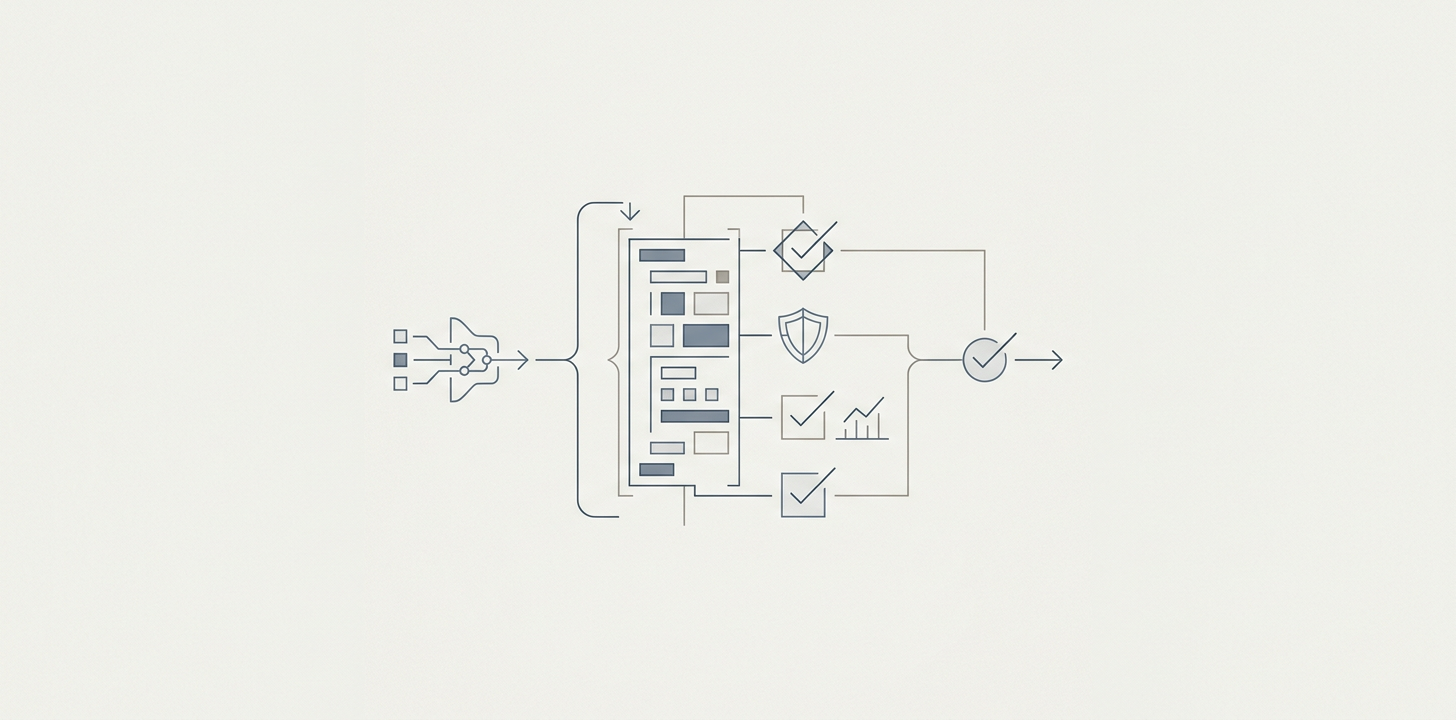
Production readiness for AI-generated code depends on four outcomes, which are launchable, maintainable, secure, and ownable. A working demo can fail all four, so the check has to happen before real users arrive. Founders close the gap by freezing the core product shape, mapping the data model and architecture first, stabilizing the riskiest flows, adding tests for failure states, and requiring senior review on every change before launch.
If you built a prototype with Lovable, Cursor, Bolt, Replit, or another AI-first tool, the real question is not if it works today. The question is if it can survive contact with users, edge cases, security review, and a real engineering team.
That is what “is AI-generated code production-ready” really means in founder terms. It is not “does the demo run?” but “can we launch this safely, maintain it confidently, and grow it without rewriting everything?”
What “Production-Ready” Actually Means for a Founder
We treat production-ready as a set of outcomes, not a vibe.
- Launchable means it can handle real users without obvious breakage.
- Maintainable means a real team can understand, change, and debug it.
- Secure means it does not expose data, credentials, or obvious attack paths.
- Ownable means your team can take responsibility for it after the prototype phase.
A working AI demo can be impressive and still fail all four. Founders often confuse “the app responds correctly once” with “the system is ready for production.” Those are not the same thing.
A Working Demo Is Not a Working Product
A demo optimizes for proof. A product optimizes for repetition, resilience, and handoff.
AI tools are very good at getting you to a visible result fast, such as a UI, a workflow, a landing page, a database query, a basic API connection. That is useful. But a demo is usually built with narrow context, such as a single happy path, lightweight error handling, minimal test coverage, and design decisions made implicitly rather than documented.
A real product needs more than code that runs once. It needs:
- clear data ownership and data model decisions
- predictable architecture boundaries
- test coverage for the paths that matter
- visible security controls
- code that another engineer can safely change
That is the gap most founders hit when they ask if AI-generated code is production-ready. Our answer is that sometimes the demo is launchable, but the codebase is not yet a product. We cover the same gap in why a working demo and a scalable product are different jobs.
Where AI-Generated Code Breaks in Production
1. Context Drift
AI is fast, but it is not magically consistent. It can fix one file, one endpoint, or one screen without fully understanding the downstream effect. Over time, the codebase starts to drift. Naming conventions change, business logic gets duplicated, and the system’s “truth” lives in multiple places.
We see this show up for founders as strange behavior after small changes. A login flow breaks because of a UI tweak. A pricing rule changes in one place but not another. A feature that looked simple becomes fragile because no one has the full model in view.
2. Tangled Architecture
This is the ticking time bomb. AI-generated systems often begin as quick, interwoven solutions, with logic in the front end, validation scattered across components, database assumptions baked into prompts, and little separation between product rules and implementation details.
A real team can usually work with a rough prototype. They cannot sustainably work with a system where every change touches five hidden dependencies. If architecture is tangled, speed later gets worse, not better. Every feature becomes risky, and every bug fix creates new ones.
3. Regulated Gaps
Some requirements cannot be “prompted into existence.” If you need SOC 2, HIPAA technical safeguards, audit trails, data retention rules, role-based access control, or consent handling, the system needs explicit design decisions and verification. AI can help implement pieces, but it cannot be trusted to infer compliance.
That matters because founders often mistake feature completion for operational readiness. A prototype can look polished while still being unsafe to launch in a regulated environment.
The Pre-Launch Checklist for AI-Built Products
We use this checklist before calling an AI-built product production-ready. If several items are missing, you likely have a working demo, not a maintainable product.
1. Security
- Secrets are stored outside the codebase.
- Authentication and authorization are explicit, not assumed.
- Basic input validation is in place on both client and server.
- Error messages do not leak sensitive data, and the OWASP Top 10 risks are reviewed.
- You know what data is stored, where it lives, and who can access it.
2. Data Model
- The core entities are named and documented.
- Business rules live in one clear place, not scattered across screens.
- There is a single source of truth for critical records.
- You understand which fields are required, optional, and derived.
- Schema changes are versioned or at least intentionally managed.
3. Automated Tests
- Critical user flows have automated coverage.
- Authentication, payment, data entry, and permissions are tested.
- There are tests for failure states, not just happy paths.
- CI runs the tests automatically before changes merge, in line with the NIST Secure Software Development Framework.
4. Code Review and Ownership
- Every change is reviewed by a senior engineer or someone equally accountable.
- No feature ships from raw AI output without human inspection.
- You can explain who owns the codebase after the prototype phase.
- There is a path for refactoring, not just feature addition.
5. Operational Readiness
- Logging and monitoring exist for key flows.
- You can detect failure, not only hear about it from users.
- Backups and recovery are in place where needed.
- Documentation exists for setup, deployment, and key decisions.
If you cannot check most of these boxes, do not ask, “Can we launch?” Ask, “What is the minimum hardening needed before launch?”
What to Do After Building With Lovable or Cursor
Do not throw away the prototype just because it was AI-assisted. The right move is usually to keep the momentum, then harden feature by feature toward production.
That means:
- freeze the core product shape before adding more features
- map the data model and architecture first
- identify the riskiest flows and stabilize those first
- replace prompt-generated “good enough” logic with explicit implementation where it matters
- add review gates so every change is visible and intentional
This is also where the difference between a demo and an owned product becomes clear. A founder can absolutely use AI to accelerate build-out. But the codebase has to move from “generated” to “governed.”
That is the work we do day to day, which is building with AI but coaching it with architecture first, data model first, and senior review on every change. The output is not just a fast prototype. It is a system a real team can inherit. We take on this kind of work in product engineering, and we cover how to spot the debt in vibe coding debt.
Turn the Demo Into an Owned Product
So, is AI-generated code production-ready? Sometimes, but only after it has been turned from a working demo into an owned product. If a real team can understand it, secure it, test it, and extend it without fear, you are on the right side of the line.
If you want help getting there, we do this work at Better Software.
Frequently Asked Questions
Can AI Generate Production-Ready Code?
Yes, but only in a narrow sense. AI can generate code that runs, passes a demo, or even supports a limited production use case. What it usually cannot do on its own is make the system maintainable, secure, testable, and easy for a real team to own, so we review for those four things.
How Do You Make AI-Generated Code Production-Ready?
We freeze the core product shape, map the data model and architecture, stabilize the riskiest flows first, replace prompt-generated logic with explicit implementation where it matters, and add review gates so every change is visible and intentional before we add more features.
What Should You Check Before Launching an AI-Built Product?
We check security, data model, automated tests, code review and ownership, and operational readiness. If several of those are missing, we treat the product as a working demo and plan the minimum hardening needed before launch, not a full rebuild.
Is AI-Generated Code Secure?
Not by default. AI-generated code can include insecure patterns, weak validation, missing access controls, and unsafe dependency choices. We get security from review, testing, and explicit controls, not from the tool itself, and we test those controls before launch.
Do You Need a Rewrite If AI Built the Prototype?
Usually not. We keep the momentum and the working prototype, then harden it feature by feature, starting with the riskiest flows. The goal is to move the codebase from generated to governed without throwing away the proof you already have.
About the author

Better Software Team
Product and engineering team
Better Software Team is the product and engineering team at Better Software. We build new software products and improve existing applications and systems, with deeper experience in healthcare, finance and energy.