Operations
Billed, approved, paid: the three numbers field ticketing software misses
By Better Software · Sat Sep 19 2026 · 9 min read
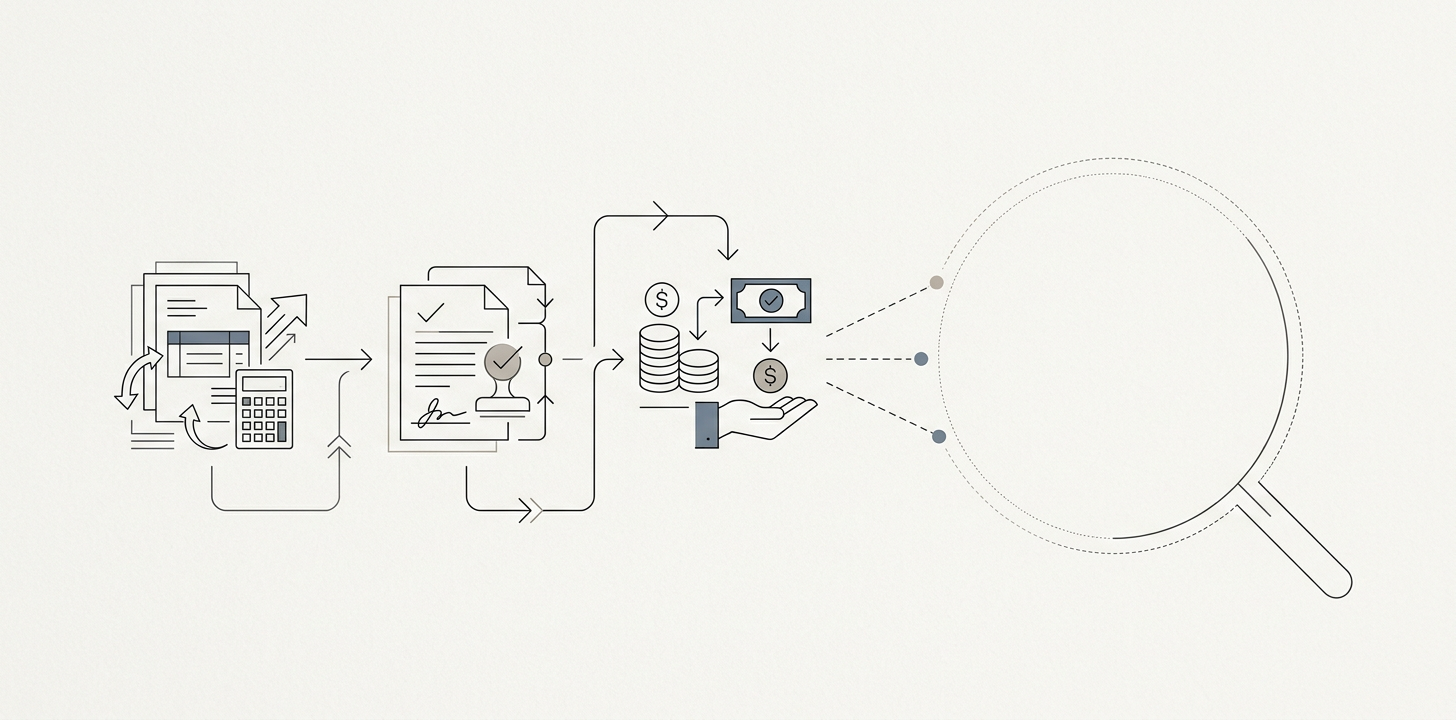
If you run an oilfield service company, you probably already have field ticketing software. The tickets leave the truck fast, the office sees them sooner, and the invoice goes out sooner. That helps, but it does not answer the harder question: how much of what you billed was actually approved, and how much of that was actually paid?
That gap is the real problem. A ticket can be submitted on time and still get short-paid because the operator's system validates price, coding, location, and timing against its own contract data. The useful number is realization: billed divided by approved, or billed divided by approved and paid if you want the full cash view. Once you measure that by customer and rate line, you stop treating short-pays as random noise and start seeing patterns you can act on.
This is not an argument against digital tickets. It is an argument for a second layer that most service companies do not own: a machine-readable rate book, a rejection taxonomy, and a reconciliation process that compares your record with the operator's portal response.
What happens after you submit the ticket
On the service side, the job looks finished when the digital field ticket is signed and sent. On the operator side, it is just entering a validation workflow. In products like Enverus OpenTicket, the buyer side can automatically check contract prices, auto-code the ticket, and compare the submission against platform rules before it is approved or disputed. See Enverus's description of OpenTicket and its contract-price validation workflow here: https://www.enverus.com/products/openticket/.
That matters because the buyer is no longer reading your ticket line by line. Software is. If your rate sheet was negotiated in a PDF, if a standby line was worded differently from the operator's contract terms, or if the GPS stamp did not fit the geofence rule, the portal can reject or down-code the line without anyone calling you first.
That is why the common story, "our tickets are digital but we still get short-paid," is usually accurate. The ticket moved faster. The price claim still failed later.
The three numbers you should be measuring
Most companies only watch one number: billed dollars. Some also watch approved dollars when the portal exposes them. Fewer connect both to cash. You need all three.
1. Billed
Billed is the amount you invoiced from the ticket. In practice, it comes from your own ticket lines, quantities, units, rates, and any manual overrides before the invoice is sent.
2. Approved
Approved is the amount the operator accepts after its validation rules run. Some portals call this approved, accepted, matched, or coded. It is the amount that survives the buyer's contract checks and dispute workflow.
3. Paid
Paid is the cash that actually clears after deductions, deductions, and short-pays. This comes from cash application, remittance advice, and factor or ABL reporting if you finance receivables.
The useful metric is realization at each stage:
- Billed to approved = approved dollars divided by billed dollars
- Approved to paid = paid dollars divided by approved dollars
- Billed to paid = paid dollars divided by billed dollars
A worked example makes the difference visible. Suppose a water-hauling job bills $1,000 across four lines: truck time, wait time, disposal, and a minimum charge. The operator approves $920 because it disallows half of the wait time and the minimum charge. Later, $900 is paid because a $20 coding difference gets netted out in AP. In that case, billed-to-approved realization is 92%, approved-to-paid is 97.8%, and billed-to-paid is 90%.
Those are not just finance percentages. They tell you where the problem sits. If billed-to-approved is weak, the contract and ticket details are failing validation. If approved-to-paid is weak, the issue is usually in the operator's AP process, deductions, or cash application.
Where realization leaks
Once you look at realization by customer and rate line, the same patterns usually repeat. Seven leak points show up often.
- Rate-line mismatch against the MSA. The ticket line uses a name, unit, or calculation that does not match the master service agreement or rate sheet.
- Missing approval context. The operator wants a signature, AFE, cost code, or work order number, and the ticket does not carry it.
- Standby and non-productive time. These are often disputed because the buyer's rules treat them as exceptional unless they are preapproved and documented.
- Minimum charges. Your commercial model may require them. The operator's portal may not allow them without a specific code or exception.
- Escalations never loaded. A negotiated price increase exists in email or an amended PDF, but the rate book in the portal still reflects the old number.
- Expired rate sheets. The work continued after the contract term changed, but the ticket was priced off an expired schedule.
- Unit-of-measure disagreements. Hours, miles, loads, gallons, and days can be coded differently on the two sides, which makes a line appear wrong even when the underlying work was valid.
These are not all the same problem. Some are true disputes. Some are loading errors. Some are simply missing data. You want to separate them, because the fix is different in each case.
Turn your rate book into data, not memory
Most oilfield service companies keep the commercial truth in too many places: a PDF in shared drive, an email thread, a spreadsheet on one person's laptop, and a few terms remembered by the dispatcher. That is enough to invoice. It is not enough to reconcile against an operator system that validates automatically.
Your rate book does not need to become a giant software project. It needs to become machine-readable. For each customer and contract, one record should hold:
- Customer and contract name
- Rate line name
- Unit of measure
- Rate amount
- Effective start and end dates
- Escalator or index rule, if any
- Approval requirement such as signature, AFE, or cost code
- Allowed coding exceptions or substitutions
That structure lets you ask simple questions later: which lines changed, which expired, which were never loaded, and which tickets used a rate that no longer matched the contract. Without it, you can only hunt through documents after the short-pay arrives.
Use a rejection taxonomy that your team will actually maintain
Many companies stop at a vague reason such as "disputed" or "short-paid." That is not enough to improve. You need a small taxonomy that applies at the ticket-line level and can be reviewed monthly.
A practical starting point is six to ten codes:
- rate mismatch
- missing approval context
- standby disallowed
- minimum charge disallowed
- expired rate sheet
- unit mismatch
- geofence or location mismatch
- duplicate or resubmitted line
Apply one primary code per rejected line, then review the top three every month. If rate mismatch is the biggest bucket, the answer is probably not "train dispatch better." It is usually to load the current contract data into the system that creates or checks the ticket. If standby disallowed dominates, the answer is often to tighten preapproval rules and write a clearer field note standard. If unit mismatch keeps showing up, the issue is usually in how the crew describes the work, not in the pricing itself.
The point is to find the fix that changes the next hundred tickets, not just the next one.
What your ticketing vendor should do, and what it should not
Field ticketing software should capture the work cleanly, get signatures, attach photos or notes, and move the record quickly from the field to the office. That is useful, and it is the reason digital field ticket adoption matters.
But the vendor's system is usually not the system that knows whether a ticket will survive the operator's validation layer. The operator's portal is the one that applies the contract pricebook, approval rules, and coding checks. Your company still needs a thin reconciliation layer that connects the two.
Think of the decision like this:
- Your ticketing system: captures the work and submits the claim.
- The operator's portal: validates the claim against its own rules.
- Your reconciliation layer: compares billed, approved, and paid; tracks the rejection codes; and keeps your own rate book current.
A simple build-versus-buy view helps.
| Need | Usually buy | Usually own |
| Field capture, signatures, attachments | Ticketing product | Rarely |
| Submission into customer portals | Ticketing product or integration | Sometimes workflow rules |
| Contract pricing as structured data | Rarely complete | Yes |
| Reconciliation of billed, approved, paid | Rarely complete | Yes |
| Rejection taxonomy and monthly review | No | Yes |
This is also the thin layer where good document and data work matters. Better's work on Nesh focused on data pipelines, document processing, and search over energy documents, which is the same kind of job as turning MSAs and rate sheets into structured pricing rules and matching them back to portal responses. The case study is here: /case-studies/nesh. More on our energy work here: /industries/energy.
What changes when you can see realization
Once you can measure realization by customer and rate line, the commercial conversation changes. You stop asking only, "Why are you short-paying us?" and start asking, "Which rule is rejecting which line, how often, and what does that rule cost both of us?"
That matters because not every short-pay is worth fighting the same way. Some are one-off coding errors. Some are contract drift. Some are policy choices baked into the operator's AP system. If you can show that a specific rule repeatedly strips out standby or minimum charges on a class of jobs, you can decide whether to renegotiate the language, change how the field writes the ticket, or stop pricing that work the same way.
It also changes the cost of financing receivables. If you factor invoices or use an asset-based line, days in dispute are not just an accounting delay. They are an expense. Better realization data lets you see which customers tie up cash, which rate lines get rejected, and where cycle time is actually costing you.
That is the practical shift: field ticketing software should help you submit faster, but your own reconciliation should tell you what survives validation, what gets paid, and which contracts are quietly eroding margin.
FAQ
What is a field ticket?
A field ticket is the record of work performed in the field, usually signed by a customer representative and used to support invoicing. In oilfield work, it often captures labor, equipment, time, materials, and job notes tied to a customer contract.
Field ticket vs invoice: what is the difference?
The field ticket is the source record for the work. The invoice is the bill you send based on that record. In practice, the ticket supports the invoice, but it is the invoice or portal submission that has to survive contract validation and AP processing.
Why do operators reject tickets?
Usually because a line does not match the operator's contract data, required coding is missing, a timing or location rule failed, or a standby or minimum-charge line was not preapproved in the format the portal expects. Sometimes the work is valid but the data is incomplete.