Operations
How to Plan a Parallel Run When Custom Software Replaces Your Spreadsheet
Quick Answer
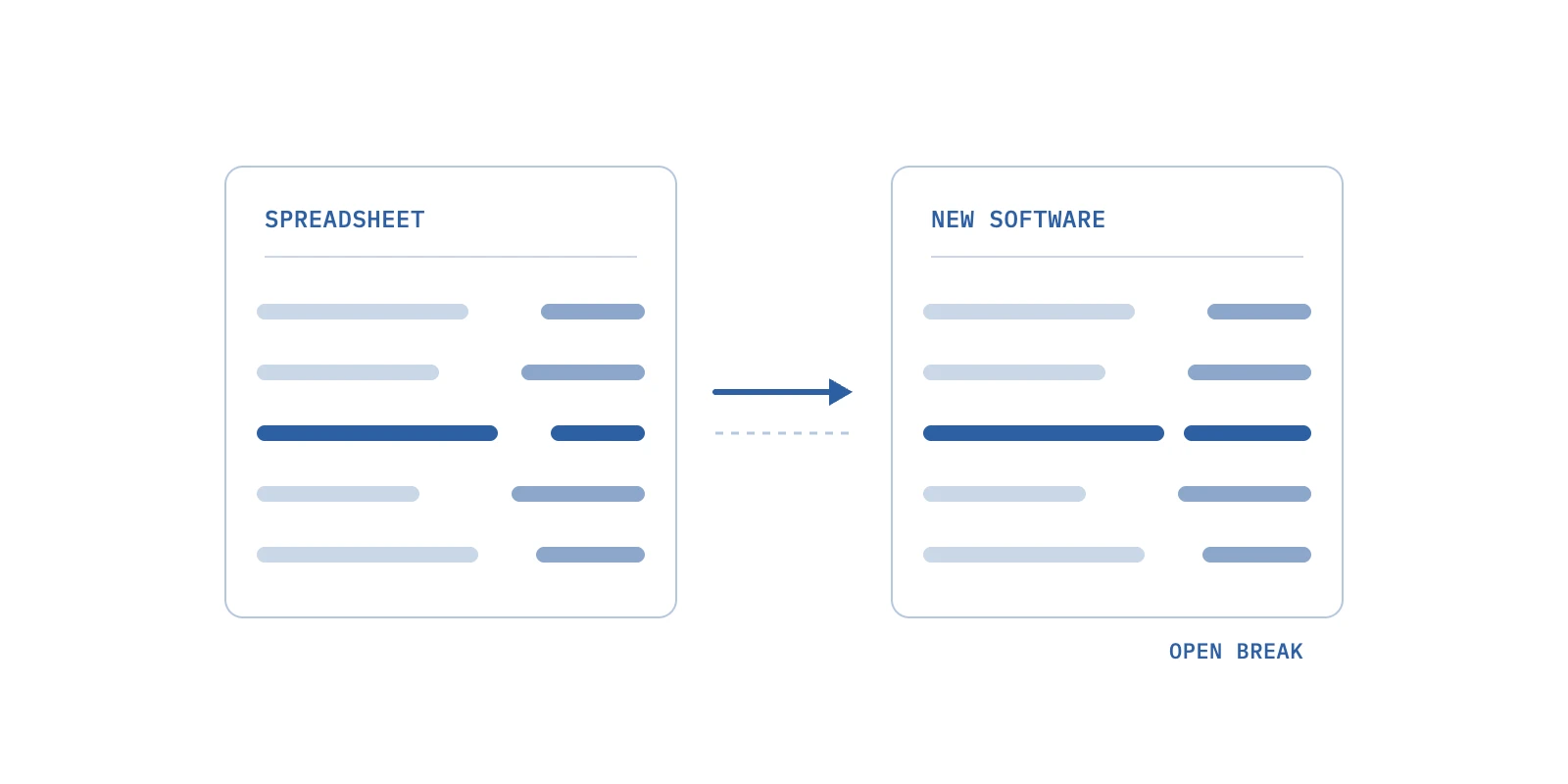
A parallel run keeps the old process and the new software handling the same live work until their outputs match. A sound plan lists every output that leaves the business, sets a tolerance for each, lets only one system send payments or files, feeds both the same inputs, logs every break by cause, and fixes exit criteria and a kill date in advance. Most runs need two clean cycles of every output, including one month-end.
In custom software development, a parallel run means the old process and the new software handle the same real work for a set period, while someone compares what each one produced before the old one is retired. We think planning the parallel run strategy is the step owners most often cut when a launch date slips.
The pattern is familiar. A spreadsheet has run payroll, commissions or month-end reporting for years, and the new tool looks right in every demo. Then the first live cycle produces a number nobody can explain, and the spreadsheet is already gone.
We will walk through what a parallel run should prove, how it compares with a direct cutover, a six-step plan, how long to run it, where existing tools stop, and what to ask the team building your software.
What a Parallel Run Should Prove Before You Retire the Spreadsheet
A parallel run should prove one thing. The new software produces every output your business depends on, or you can name the cause of each difference, across at least one full business cycle. Demos and test scripts cannot prove that, because they run on data someone picked.
We see the parallel run as the honest version of testing. It uses your real inputs, your real edge cases and your real calendar.
Thoughtworks' Technology Radar put "parallel run with reconciliation" in its Trial ring in October 2020 for exactly this reason. The same production work goes through old and new, the old result is used, and the two are compared.
Engineers at Zalando used the pattern when they moved returns logic out of a large legacy system. They wrote that tests were not enough, partly because some of the old code had no tests at all. Your spreadsheet is in the same position. Its rules live in formulas, habits and one person's memory.
• Every Output Matches, or Every Difference Has a Named Cause
A parallel run passes when the outputs agree within the tolerance you set, and every disagreement is explained. "It is probably rounding" is not an explanation. We want a line in a log that says which input, rule or formula produced the gap.
• The Run Covers a Full Business Cycle, Not a Quiet Week
Most spreadsheet rules only fire at month-end, on a holiday week or when someone is hired or leaves. A parallel run that never crosses those dates has only tested the easy days. Parallel running across one month-end is the minimum we accept.
• One Named Person Signs the Cutover
Someone on your side, not the software team, decides the new outputs are right. Usually that is the person who owns the spreadsheet today. Sam Newman, quoted in the Zalando write-up, puts the discipline plainly. Only one system is "the source of truth at any given time."
Parallel Run vs Direct Cutover, Which One Fits the Change You Are Making
Choose a parallel run when the output moves money or reaches a payer, lender, regulator or employee, and a mistake is hard to reverse. Choose a direct cutover when the old process is already broken, or when a wrong output is cheap to spot and redo.
A direct cutover, which Wikipedia lists under big bang adoption and also calls direct changeover, moves everyone to the new system at once with no transition period. Taggd's glossary describes direct changeover as the cheapest and quickest option, and the one with the highest risk.
We have read enough go-live stories to respect that risk. One r/ERP thread titled "ERP almost killed my Friend's company and his sanity" describes a go-live with no parallel run, where the switch was flipped overnight. Our view on parallel run vs direct cutover comes down to the table below.
| Question | Parallel run | Direct cutover |
|---|---|---|
| What happens on day one | Old and new both process the same work, but only the old one acts | The new system takes over, and the old one stops |
| If the new software is wrong | You see it in the comparison before anyone is paid or billed | Customers, staff or payers see it first |
| Staff load | Higher, because someone reviews breaks every cycle | Lower, because there is one system to run |
| Rollback | Easy, because the old process never stopped | Hard, because the old process has to be restarted from stale data |
| Best fit | Payroll, provider pay, billing, statements, files sent to banks or payers | Internal dashboards, task lists, anything a person can redo by hand in an hour |
| Poor fit | Screens with no output worth comparing | Anything that moves money or feeds a regulator |
• When a Direct Cutover Is the Better Call
We choose a direct cutover when the spreadsheet is so broken that comparing against it would only reproduce its errors. We also choose it for internal views, such as a task board, where a wrong screen costs minutes, not dollars.
• When a Parallel Run Earns Its Cost
A parallel run earns its cost when one wrong cycle would cost more than the extra review hours.
A single payroll error across 300 employees, or a month of wrong invoices, is usually that expensive in money and trust. In our view, legacy system migration projects most often go wrong at the output, not the screen.
How to Plan a Parallel Run in Six Steps
Plan a parallel run by deciding six things before the first live cycle. Decide which outputs you compare, how close is close enough, which system acts, how inputs reach both systems, how breaks are logged and what ends the run. If any of the six is still open on day one, we move the date.
Say you run a 14-location practice group, as a hypothetical. Payroll, provider production reports and a monthly location profit and loss statement all live in a spreadsheet that one finance lead maintains. New software will replace all three. Here is how we would plan the parallel run for that group.
1. List the Outputs That Leave the Building
Scope the parallel run by outputs, not by screens. An output is anything a person outside the spreadsheet relies on, including pay stubs, provider compensation statements, invoices, patient statements, bank files and the monthly report your partners read.
We built reporting, payroll, time management and operations software for Apex Dental Partners, a dental group that has grown past 45 practices, where payroll and time management had been handled outside any shared system. In any list like this, we would put payroll first, because every employee checks it.
For the hypothetical group, the list has five outputs, net pay per employee, hours per employee, provider production per location, the location profit and loss, and the payroll journal entry that goes to the books.
2. Set a Tolerance for Each Output Before the First Run
Decide how close is close enough before you see any results, or you will argue about it later. Zalando's team gave each part of its system its own consistency target, because fixing the last few percent can cost more than it is worth. We apply the same idea per output.
| Output | Our starting tolerance | Why |
|---|---|---|
| Net pay per employee | $0.00 | People notice a one-cent error and lose trust |
| Hours per employee | Exact | Hours drive pay, overtime and provider pay |
| Provider production per location | Exact to the cent | Compensation is built on it |
| Location profit and loss lines | Within $1 per line, total exact | Rounding across allocations is acceptable, but the total is not |
| Journal entry to the books | Exact, and it must balance | Your accountant will reconcile it anyway |
These are our starting points, not rules. Your finance lead may tighten them. Write them down and have that person sign the page.
3. Let Only One System Act on the Outside World
During the run, only the old process pays people, sends files or updates your books. The new software computes the same outputs and stores them for comparison, but it sends nothing. The old process stays the system of record until the cutover date.
This is the rule engineers follow too. The README for GitHub's Scientist library, built to compare old and new code paths, says it is only safe for wrapping methods that are not changing data. Zalando flagged the same risk for any step with side effects, such as updating a database or publishing an event.
Pro tip: Ask your team to turn off outbound sending in the new software with a setting you can see on screen, not a promise. We like a banner that says "comparison mode" on every page until cutover.
4. Feed Both Systems the Same Inputs
Both systems must start from the same opening balances and receive the same inputs for the same period. Before the first cycle, move year-to-date pay, paid time off balances and open items into the new software, then check totals against the spreadsheet. That data migration validation is its own small project.
Then use one feed for each input, using the same timesheet export, the same production report and the same date range. If someone corrects a timesheet after the export, the correction goes to both systems on the same day, or it goes in the log.
5. Log Every Break Under One of Four Causes
A break is any output that misses its tolerance. We log each one with the output, the amount, the date and one of four causes. The cause decides who fixes it and what it means for cutover.
| Cause | What it looks like | Who fixes it | What it means for cutover |
|---|---|---|---|
| New software is wrong | A rule is missing or coded differently | The software team, then rerun | Blocks cutover until fixed and rerun clean |
| Spreadsheet was wrong | A stale formula or a hand-typed total | Your owner decides, and the new result may be right | Does not block once signed off in writing |
| Inputs differed | One side got a late correction | Whoever owns the feed | Fix the feed, not the logic |
| Rule changed mid-run | A new pay rate or bonus rule | Apply to both on the same effective date | Restart the clean-cycle count for that output |
The second row surprises owners. Zalando's engineers note that comparing live data can expose cases where the old system itself was behaving incorrectly. Expect the same from a spreadsheet that has been edited for years. Reconciliation of those breaks is where your finance lead earns the sign-off.
6. Write the Exit Criteria and the Kill Date Before You Start
Exit criteria turn "it feels ready" into a checklist. Ours usually read like this:
- Two consecutive clean cycles for every output on the list.
- Zero open breaks over tolerance, and every "spreadsheet was wrong" break signed off.
- A rollback path tested once on a copy of real data.
- A date when the spreadsheet becomes read-only, and a later date when it is archived.
Also set the end date before you start. easy.bi makes the same point in its playbook. Without a hard deadline, a parallel run tends to extend indefinitely. We agree, and we put the kill date in the project plan on day one.
How Long a Parallel Run Should Last for Payroll, Billing and Reporting
A parallel run should last until every output has produced two consecutive clean cycles and the run has crossed at least one month-end. For most businesses that means four to eight weeks, and longer when a quarterly report is on the list.
Vendor guidance runs in the same range. easy.bi's playbook suggests 2 to 4 weeks for non-critical internal tools, 4 to 8 weeks for business-critical systems and 8 to 16 weeks for revenue-critical ones. Those are one firm's recommendations, not a standard, but they match what we see.
| Output | Its cycle | Our minimum | Rough calendar time |
|---|---|---|---|
| Weekly payroll | Weekly | 3 clean pay runs, one crossing a month-end | 3 to 5 weeks |
| Biweekly or semi-monthly payroll | Every two weeks | 2 clean pay runs, one crossing a month-end | 4 to 6 weeks |
| Monthly billing or statements | Monthly | 2 clean month-ends | About 2 months |
| Monthly management reporting | Monthly | 2 clean month-ends | About 2 months |
| Quarterly reports | Quarterly | 1 clean quarter-end inside the run | Up to 3 months |
• Count Clean Cycles, Not Calendar Weeks
A cycle with an open break over tolerance does not count, even if the break is later explained. We reset the count for that output and keep the others running. That is why a written log matters more than a calendar.
• Put the Hard Cases Inside the Window
Pick the run dates so the awkward events happen during parallel running, including a new hire, a termination, an off-cycle bonus, a location opening or a rate change. If none of those happen naturally, we script one on a copy of real data and compare that too.
Pro tip: Start the run so its second cycle lands on your busiest month-end, not your quietest. Parallel run testing on a slow month proves very little.
What Existing Tools Do During a Parallel Run, and Where They Stop
Existing tools are good at comparing two files or two code paths, but none of them decides which difference matters to your business. That judgment stays with your finance lead, and the comparison has to be built around your outputs.
| Tool | What it does well | Where it stops for an owner |
|---|---|---|
| Microsoft Spreadsheet Compare | Reports differences between two workbooks, and flags problems like hand-entered totals | Compares workbook to workbook, not a workbook to a new system's records, and is only included in Office Professional Plus 2013, 2016, 2019 or Microsoft 365 Apps for enterprise |
| GitHub Scientist | Runs old and new code side by side and records mismatches | Works inside code, for engineers, and is only safe where nothing changes data |
| Shadow traffic and feature flags, as described by easy.bi | Sends a copy of live requests to the new system and compares responses | Built for web requests, not for a month-end spreadsheet or a payroll file |
The gap is a comparison report that joins old and new outputs on a shared key, such as employee, location or invoice number, applies your tolerances and writes every miss to the break log.
We treat that report as part of the custom software development scope from the first week, because it is cheap to build early and painful to bolt on at launch.
• What the Comparison Report Should Show Each Cycle
We want one page per cycle, with each output, the count compared, the count matched, the dollar value of breaks and the open items by cause. A finance lead should read it in ten minutes.
• What It Should Never Decide on Its Own
The report flags breaks. It never marks a break as "spreadsheet was wrong" by itself. That call belongs to a person, in writing, because it changes what your business pays or reports.
What to Ask Your Custom Software Development Team Before the Parallel Run Starts
Ask your team to show you the parallel run plan in writing before launch, including the outputs, tolerances, comparison report, break log owner, rollback path and kill date. A team that owns delivery will already have it. A team that shrugs is telling you who will be doing the comparing.
User acceptance testing comes first, and we covered how a non-technical owner should run it. The parallel run is what follows, with live data. If the change is a full rebuild rather than a new layer, the rewrite vs refactor trade-off is worth reading first, because a rewrite means running two systems for longer.
1. The Output List and the Tolerance for Each
We expect the team to draft the list from the spreadsheet and your reports, then walk your finance lead through it line by line.
2. How the New Software Is Kept From Paying or Sending Anything
We want to see the switch that blocks outbound files and payments, and who is allowed to flip it at cutover.
3. How Opening Balances Were Migrated and Checked
We ask for the totals from both sides, per location, before the first cycle. Lenders moving loan data face the same check, which we covered in what a loan servicing system has to do.
4. Who Reviews the Break Log and How Often
We suggest one review per cycle, within two business days of the run, with the software team and your finance lead in the same meeting.
5. How You Would Roll Back, and How Long It Takes
We ask the team to rehearse rollback once, on a copy of real data, and to write down the steps. Operators give the same advice. One r/FreightBrokers thread on choosing a transportation management system says to budget for a parallel run period and dedicated training hours.
Start Your Parallel Run Plan With the Output List This Week
Before anyone sets a go-live date, we would sit with your finance lead and write down every output the spreadsheet produces, with a tolerance next to each. That one page shapes what gets compared, how long the parallel run lasts and when you can stop.
It is also the most useful test of any custom software development partner. Better Software builds the comparison report and break log into the project from week one, so cutover is a signed decision rather than a leap.
Frequently Asked Questions
What is parallel run in testing?
It depends on who is asking. In test automation, parallel testing means running many test cases at the same time across browsers, devices or platforms to save time, as Testsigma describes it. When we say parallel run, we mean comparing the live outputs of an old system and a new one.
What is a payroll parallel run?
Papaya Global describes it as running the legacy payroll system and the new one for the same pay period, then comparing results, usually using the previous cycle. Papaya also advises covering regular, overtime and special payments, plus multiple tax jurisdictions or custom deductions. We would also put a new hire inside that parallel run.
What are the 7 migration strategies?
They come from AWS cloud migration guidance. They are retire, retain, rehost, relocate, repurchase, replatform, and refactor or re-architect. AWS notes that large migrations commonly use rehost, replatform, relocate and retire. In our work, a parallel run matters most for repurchase and refactor, where the business rules themselves change.
What is legacy system migration?
It is moving the work and data of an old system that is still in daily use onto a newer one. Wikipedia describes a legacy system as an outdated method, technology or application that remains in use. We treat the parallel run as the final proof step of that migration, not the first.
What is the difference between a pilot and a phased implementation?
A pilot puts the complete new system into one site or group first, then usually rolls it out everywhere by direct cutover, according to Taggd's glossary. A phased implementation brings in different parts of the organization in stages. We often pair a pilot location with a parallel run there.
About the author

Better Software Team
Product and engineering team
Better Software Team is the product and engineering team at Better Software. We build custom software for established businesses in healthcare, energy and finance.