Operations
What Propane Delivery Software Misses
Quick Answer
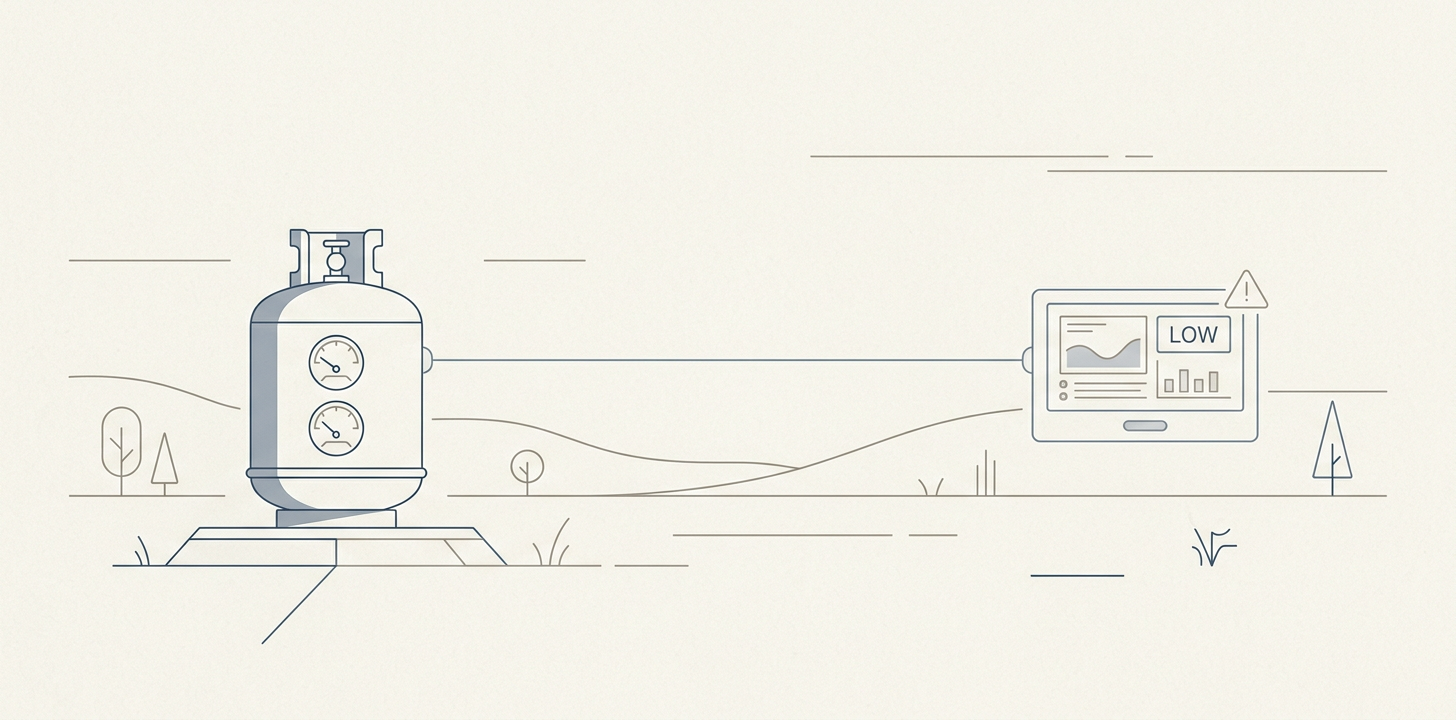
Propane delivery software forecasts when a tank will run low from a customer's K-factor, degree days and daily baseload use. It does not decide if a stop is worth the truck. Forecasts drift when usage changes or imported values go unchecked, so owners get better results by keeping the platform and adding a thin layer that prices each stop, weighs runout risk and ranks the day's exceptions by margin.
Your propane delivery software can tell you when a tank is likely to run low. It usually cannot tell you if sending a truck is the right business decision.
Propane delivery software is the system of record a dealer uses to forecast fills, schedule automatic and will-call deliveries, print tickets, route trucks and bill customers. We see the same gap at most owner-operators, where the platform produces a forecast and a route sheet and the dispatcher still decides which stops to make from memory. That works until you mix automatic-delivery and will-call accounts, add tank monitors on a minority of tanks and inherit customer books with forecast values nobody has checked in years.
This post covers how the forecast works, why it drifts, how to price a stop, how to turn the forecast into a ranked worklist, where tank monitors pay off and what to build on top of the platform you already run.
How Propane Delivery Software Forecasts a Tank
Most propane delivery software forecasts a tank with a version of the same logic, and it starts with weather.
The U.S. Energy Information Administration describes degree days as a comparison of the mean outdoor temperature to a standard temperature, and in the United States that base is 65°F. More heating degree days mean more heating demand.
The platform then applies the customer's K-factor. One delivery platform's documentation defines the K-factor as the number of degree days required to burn one gallon of fuel, and it tracks daily use separately for water heaters, dryers, cook stoves and fireplaces. Add tank size and the current fill, and the software estimates the day the tank will reach your reorder point.
That estimate learns from past fills. The same documentation explains that K-factors are recalculated from the last two deliveries against a percentage-change threshold, and that an adjustment larger than the allowed amount generates a report for review. We think that cap is sensible, because one odd fill should not throw the model off. It also means a stale K-factor can keep forecasting from the wrong base for several deliveries.
ADD Systems, Cargas Energy, Energy Force and similar platforms all describe this general approach in their own materials. For an owner, the point is simple. The forecast is built to answer when a tank needs fuel, not if the stop pays.
Why the Forecast Drifts Away From Real Usage
Forecasts drift because customers change faster than the model does. A house gets a heat pump, a family spends part of the winter away, a will-call account becomes automatic delivery, a tenant moves out or a propane water heater is replaced.
An acquired customer book is the largest source of drift we see. It arrives with imported K-factors and daily-use values that were never validated against local usage, and nobody owns the job of checking them. Each of those changes alters consumption, and the platform can only infer that something changed after enough deliveries reveal it.
In a mixed estate, that means some accounts are forecast from live telemetry, some from decent statistical history and some from old assumptions that happen to still be in the system. That is not a software failure so much as a limit of the method.
Degree-day forecasting works best when the customer behaves like the past, and the further an account moves from that history, the more the estimate needs human review or a better signal.
Seasonality makes the drift expensive. EIA reported that about two-thirds of the propane consumed in the prior year was consumed in the winter months, and that about 5% of U.S. homes use propane as their main heating fuel (October 2020). A wrong forecast costs the most exactly when trucks are busiest.
The Same Forecast Can Justify Opposite Decisions
The owner's real question is not when a tank will be low. It is whether this stop is worth making today. To answer that, we add two numbers the forecast does not carry, cost per stop and margin per gallon.
Cost per stop includes the driver's time, truck time, fuel, a share of branch overhead and the hidden cost of an unproductive trip. Margin per gallon is what you keep after product cost, freight and the customer's price plan.
Now the same forecast can point to two different actions. A low-fill stop on a poor-margin account may be a bad use of labor, while a similar stop on a high-margin account may be worth protecting because the customer is valuable, close to other stops and likely to churn if the tank runs out. The table below is an illustration with made-up figures, not benchmarks.
| Account | Expected gallons | Margin per gallon | Expected margin | Stop cost | Runout risk |
|---|---|---|---|---|---|
| Account A | 120 | $0.72 | $86.40 | $95 | Low |
| Account B | 220 | $0.72 | $158.40 | $95 | High |
If the route is otherwise efficient, Account B is an obvious yes. Account A may still be worth serving if it sits on a dense route or the customer is strategically important. On a sparse route, the economics may say wait.
No single formula fits every dealer, but gallons alone never tell you if the stop pays for itself.
Turn the Forecast Into a Ranked Daily Worklist
Turn the forecast into a ranked daily exception queue that sits on top of your delivery software, scores each candidate stop on margin and risk, and gives the dispatcher a short list instead of a long report. We build that queue from signals the platform already stores or can ingest, in five steps.
1. Put a Price on Every Candidate Stop
Give every forecasted stop an expected margin and an expected cost. Use the customer's price plan for margin per gallon and a realistic route-level cost for the stop itself.
The number does not need to be precise on day one. It needs to be consistent, so the dispatcher can compare stops on the same basis instead of on gallons alone.
2. Weight Runout Risk by Account Value
A runout is not equally costly everywhere. For some accounts it means an emergency trip and a lost customer, and for others it is an inconvenience the customer tolerates.
Weight the forecast's runout risk by what the account is worth and how hard it is to reach. A remote, high-margin account that runs out costs far more than a stable account on a dense route.
3. Flag Accounts Drifting From Their Own History
Compare each account's recent burn rate with its own history, not with a regional average. When actual fills keep landing far from the forecast, the account goes on a review list.
This is where the K-factor adjustment reports from the platform become useful. Instead of sitting in a report nobody reads, they become ranked items with an owner and a due date.
4. Validate Acquired Accounts Before Trusting Them
Accounts inherited in an acquisition deserve their own queue until someone has checked them. The list should include imported K-factors, daily-use values, tank sizes and delivery types.
We treat an unvalidated account as a forecast with low confidence. That keeps a bad import from quietly driving a season of low-fill stops.
5. Rank the Day Into Four Clear Actions
When those signals are scored together, the day starts with a short list of exceptions rather than a long forecast report. Each item gets one of four actions.
- Deliver now, because margin and runout risk both justify the stop.
- Defer, because the stop is low-fill and can join a denser route later.
- Recheck, because a tank monitor alarm disagrees with the statistical forecast.
- Validate, because the account's values have never been checked.
The dispatcher still makes the call. The difference is that the call is made against the same economics every day, and it no longer depends on one person's memory of the book.
Where Tank Monitors Earn Their Keep
Tank monitoring helps most where the forecast is least reliable and the cost of being wrong is high. That means accounts with expensive runouts, remote locations, high churn risk or stops that are hard to bundle into dense routes.
We would place the next monitor where it changes a decision, not where the tank is biggest. A large tank on a dense route may not need telemetry if a missed forecast is cheap to fix. A smaller tank on a sparse route, or a customer with a history of sudden usage spikes, may deserve the monitor first.
That shifts the question from how many tanks you can watch to which unseen tank costs the most when you guess wrong. If the runout cost plus lost margin is high enough, telemetry pays for itself. If the account is easy to service and already stable, the monitor may add convenience without changing the economics.
Track Account Payback, Not Just Gallons Delivered
Most delivery systems can tell you gallons delivered by account and how far each fill landed from the forecast. Few can tell you if a customer has ever paid back the full cost of the tank set, regulator, labor, inspections and service work that came with the account.
That matters most in acquired books and in long-lived will-call accounts. If a customer took a tank set three years ago and has produced thin margin ever since, the delivery department may look busy while the account stays structurally weak. The only way we know to see that is to carry the economics from inception forward, not just the last route ticket.
Once you can compare lifetime margin against acquisition and service cost, the question becomes sharper. Some books have paid for themselves, and others are still subsidized by the rest of the business. The same reconciliation problem shows up in field ticketing software, where billed, approved and paid amounts drift apart.
Keep the Platform and Build the Decision Layer
The right build-or-buy call is usually conservative. Keep the platform that handles tickets, forecasts, routing, billing, compliance and daily operations. Build or buy the layer that reflects your pricing, your routes and your definition of a good stop.
That layer does not replace ADD, Cargas, Blue Cow, Energy Force or PDI. It reads the data those systems already store and adds your economics on top.
We see this pattern across energy operations, with one system of record plus a decision and reporting layer that turns operational data into something an owner can act on. It is the core of our energy software development work, and it is close to the data pipeline and document work we did for Nesh, an oil and gas information platform.
A first version does not need to be large. It should answer three questions.
- Which stops should we make today, and which should we defer?
- Which accounts have drifted far enough from history that their forecast needs review?
- Which customers have not earned back the cost of serving them?
To support that, you need delivery history, ticket detail, monitor telemetry where available, pricing plan data and service records. You do not need a new dispatch system. In most cases you need a clean integration and a ranking model that is honest about uncertainty, the same lesson owners learn after they buy oil and gas accounting software or try to find true site margin at EV charging sites.
Start With One Route and One Month of Tickets
If you run a propane or heating-oil delivery business, start small. Take one route and one month of tickets from your propane delivery software, assign a realistic stop cost, a margin per gallon and a simple runout penalty, then compare the forecasted stops against the stops that actually protected margin.
The pattern usually shows up quickly. Some low-fill stops are worth making since they protect dense routes or high-value accounts, and others are just activity. Once we can see the difference with an owner, tank monitors, dispatch exceptions and account payback all become easier to prioritize. If you want help building that decision layer on your own data, Better Software can work through it with you.
Frequently Asked Questions
How Often Is Propane Delivered?
It depends on tank size, weather, appliance load and the account type. Automatic-delivery accounts are scheduled from a degree-day forecast, so they may get several fills in a cold season, while will-call customers order when they choose. We treat delivery frequency as a forecast output, not a fixed schedule.
What Is K Factor in Propane?
A K factor is the number of degree days it takes a customer to burn one gallon of propane. Delivery software divides degree days by it to estimate gallons burned and forecast the reorder date. We recheck K factors on acquired accounts first, because imported values are often stale.
How Do Propane Tank Monitors Work?
A tank monitor reads the gauge level and sends it over a cellular or wireless connection to the dealer, which replaces a statistical forecast with a measured level for that tank. We recommend placing monitors where a wrong guess costs the most, not simply on the largest tanks.
How Does Propane Delivery Work?
The dealer either schedules automatic deliveries from a usage forecast or waits for will-call orders. The delivery software builds routes, the driver fills the tank and records a ticket, and billing follows. We think the missing step is pricing each stop before the truck leaves the yard.
How Long Does the Average Propane Tank Last?
There is no single average, because tank size, house size, climate, insulation and appliances all change consumption. A tank used only for cooking lasts far longer than one heating a home in winter. We would rely on the account's own delivery history and forecast rather than a general rule.
About the author

Better Software Team
Product and engineering team
Better Software Team is the product and engineering team at Better Software. We build new software products and improve existing applications and systems, with deeper experience in healthcare, finance and energy.